SSO - Single Sign-On
Configure single sign-on authentication for platform access.
RBAC Has Moved
Role-Based Access Control (RBAC) is now documented at Workspaces > RBAC & Roles.
Overview
The fifthelement.ai platform supports Single Sign-On (SSO) for secure, streamlined authentication. Users sign in using their existing identity provider credentials — no separate platform password is required.
Supported Identity Providers
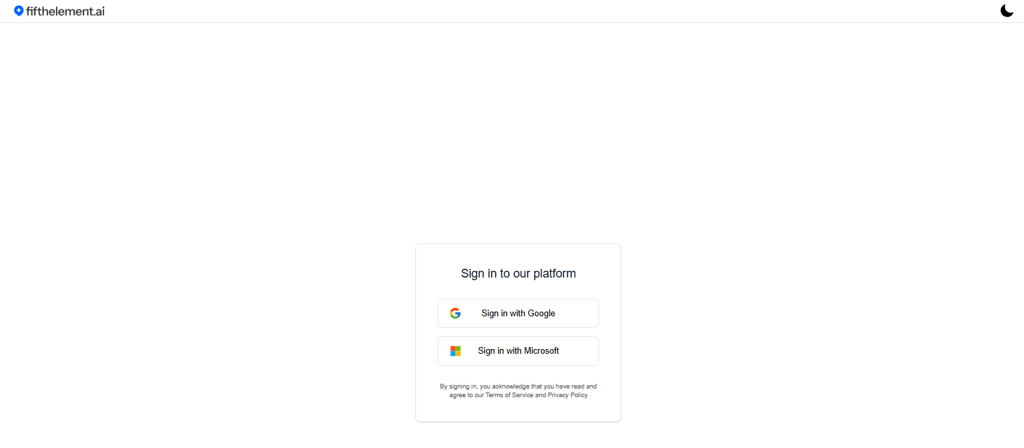
The platform sign-in page offers the following SSO options:
| Provider | Description |
|---|---|
| Sign in with Google | Authenticate using Google Workspace or personal Google accounts |
| Sign in with Microsoft | Authenticate using Microsoft 365 or Azure Active Directory accounts |
Terms of Service
By signing in, users acknowledge that they have read and agree to the platform's Terms of Service and Privacy Policy.
How It Works
- Navigate to https://PLATFORM-URL-PLACEHOLDER
- Click "Sign in with Google" or "Sign in with Microsoft"
- Complete authentication with your identity provider
- You are redirected to the platform and assigned to your workspace(s) based on your account
Workspace Access After Sign-In
After signing in, users see the workspaces they have been granted access to. Workspace membership and role assignment is managed by workspace administrators under Workspaces > Members.
For details on roles and permissions, see RBAC & Roles.
Related Topics
- Workspaces > RBAC & Roles — Role-based access control and role management
- Credentials — API credentials for external services
- API Keys — Platform API authentication
- Back to Settings