Data Purge Settings
Manage settings to enable automatic cleanup of outdated conversation and message data.
Overview
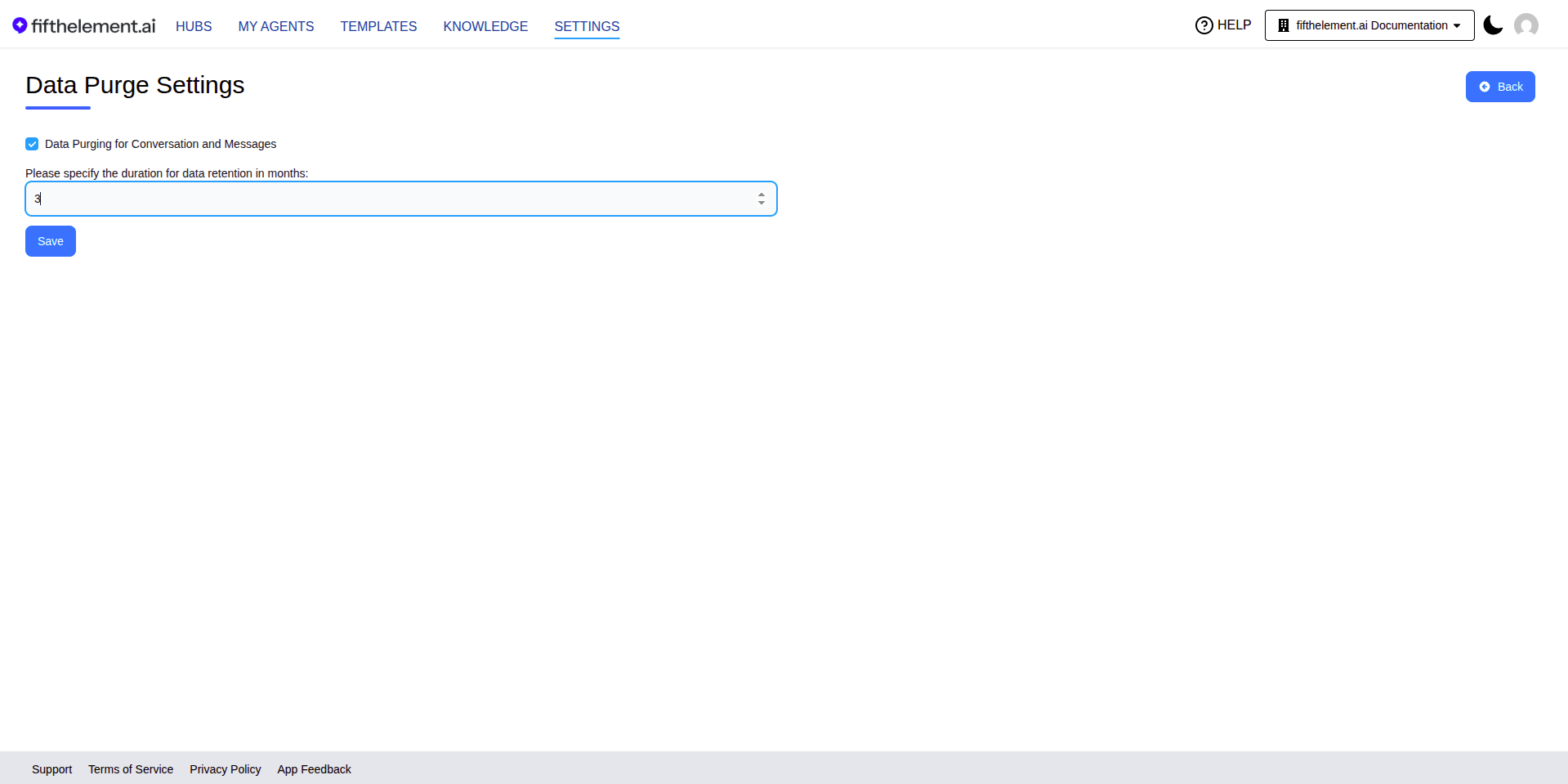
Data Purge Settings allow you to configure automatic deletion of old conversation and message data based on a retention period. When enabled, conversations and their associated messages that exceed the specified retention duration are permanently deleted.
Data Purge Settings are managed under Settings > Data Management > Data Purge Settings.
Configuration
| Setting | Description |
|---|---|
| Data Purging for Conversation and Messages | Toggle to enable or disable automatic data purging |
| Duration for data retention (in months) | Specify how many months of conversation and message data to retain. Data older than this period is automatically purged |
Steps
- Navigate to Settings > Data Management > Data Purge Settings
- Check "Data Purging for Conversation and Messages" to enable
- Enter the retention duration in months (e.g.,
3for 3 months) - Click "Save". The button is enabled after you change a setting. Deletion takes place during the scheduled purge run.
Irreversible
Purged data is permanently deleted and cannot be recovered. Ensure your retention period meets your organization's compliance and record-keeping requirements before enabling.
Data Purge Permissions
Data purge management is controlled through RBAC:
- Update — Modify data purge settings
- Read — View current settings
Configure these under Workspaces > Roles > Settings > Data Purge Settings. See RBAC & Roles for details.
Related Topics
- Vector Stores — Manage vector store data
- Credentials — Manage provider credentials
- Back to Settings