Human-in-the-Loop
Configure human agent handoff to seamlessly transfer conversations from AI to human agents and back.
Overview
The Human-in-the-Loop workflow allows AI agents to escalate conversations to human agents when needed. This is powered by the Human Agent tool, which handles queue management, agent assignment, timeout behavior, and end-of-session feedback.
Human Agent Console
The console groups conversations under My Active, Queued for Human and AI Active. The example below shows the queue area when all three groups are empty; no conversation transcript or message input is visible in this state.
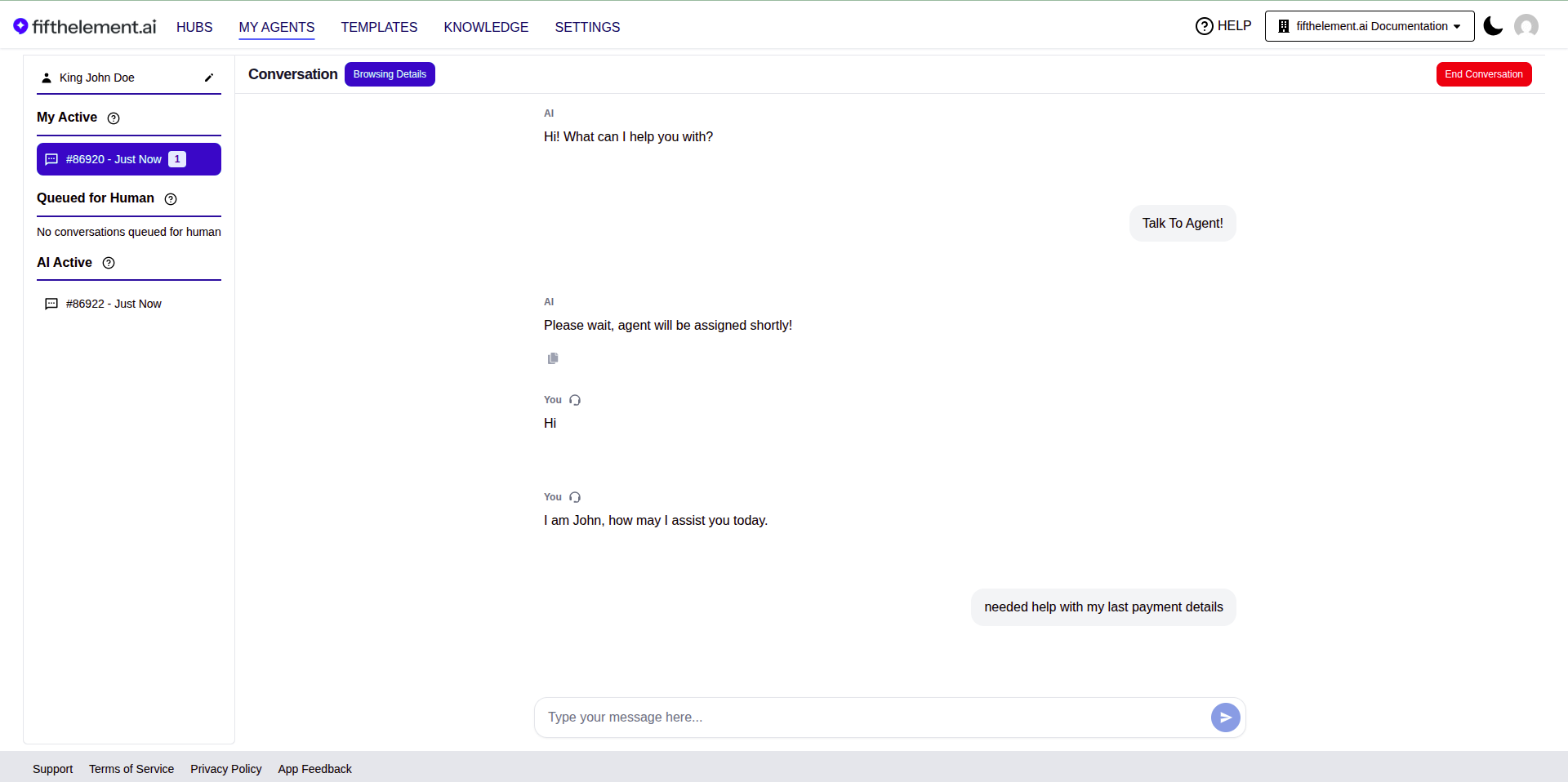
Current console queue area. The operator identity is excluded from the capture.
Quick Setup
- Create a Human Agent tool under Settings > Processors > Tools (see Tools > Human Agent)
- Assign the tool to your agent under the agent's Tools & Artifacts module
- Set the tool description to instruct the LLM when to trigger handoff
Key Features
Transfer and Queue Management
| Setting | Description |
|---|---|
| Maximum Queue Time | Max duration a transfer request stays in the queue before returning to AI |
| Agent Console Notification Idle Timeout | Max idle time after a human agent receives a notification. Set to 0 to disable |
| Mid-Conversation Agent Idle Timeout | Max inactivity during active conversation before returning to AI |
| Agent No Response Message | Message shown when idle timeout is exceeded |
Human Agent Identity
End users see the name of the human agent who joins. Admins can configure a custom transfer message with {{human_agent_name}} placeholder.
Chat Rating
After a human-agent session ends, users can rate their experience on a 5-star scale with optional feedback. Ratings and feedback are available in Conversation Monitoring and agent reports.
Notification Sound
Select from multiple notification sound options to alert human agents of incoming transfers.
Monitoring
- Conversation Monitoring — view human agent ratings, feedback, and session details
- Agent Reports — metrics for Unpicked Conversations, Picked Conversations, and Requests for Human Agents
- Email Notifications — configure alerts for flagged conversations and message dislikes in Behavior Flags
- Online-Time Tracking — the platform records how long each human agent stays logged into the Human Agent Console, per agent and per assistant, as a full session history rather than just the current online / offline state. Report on it with the Agent Sessions measures in Agent Reports
Related Topics
- Tools > Human Agent — Full tool configuration reference
- Agent Builder — Advanced — Behavior and notification settings
- Templates — Customize notification email templates
- Back to Guides & Tutorials