Announcements
Broadcast a message to everyone who uses an agent. Users see it once as a What's New popup and can reopen it from the agent header.
Overview
Announcements let an agent owner tell users about a change: a new capability, a new way of working, a change in scope. They work on both Chat and Search agents.
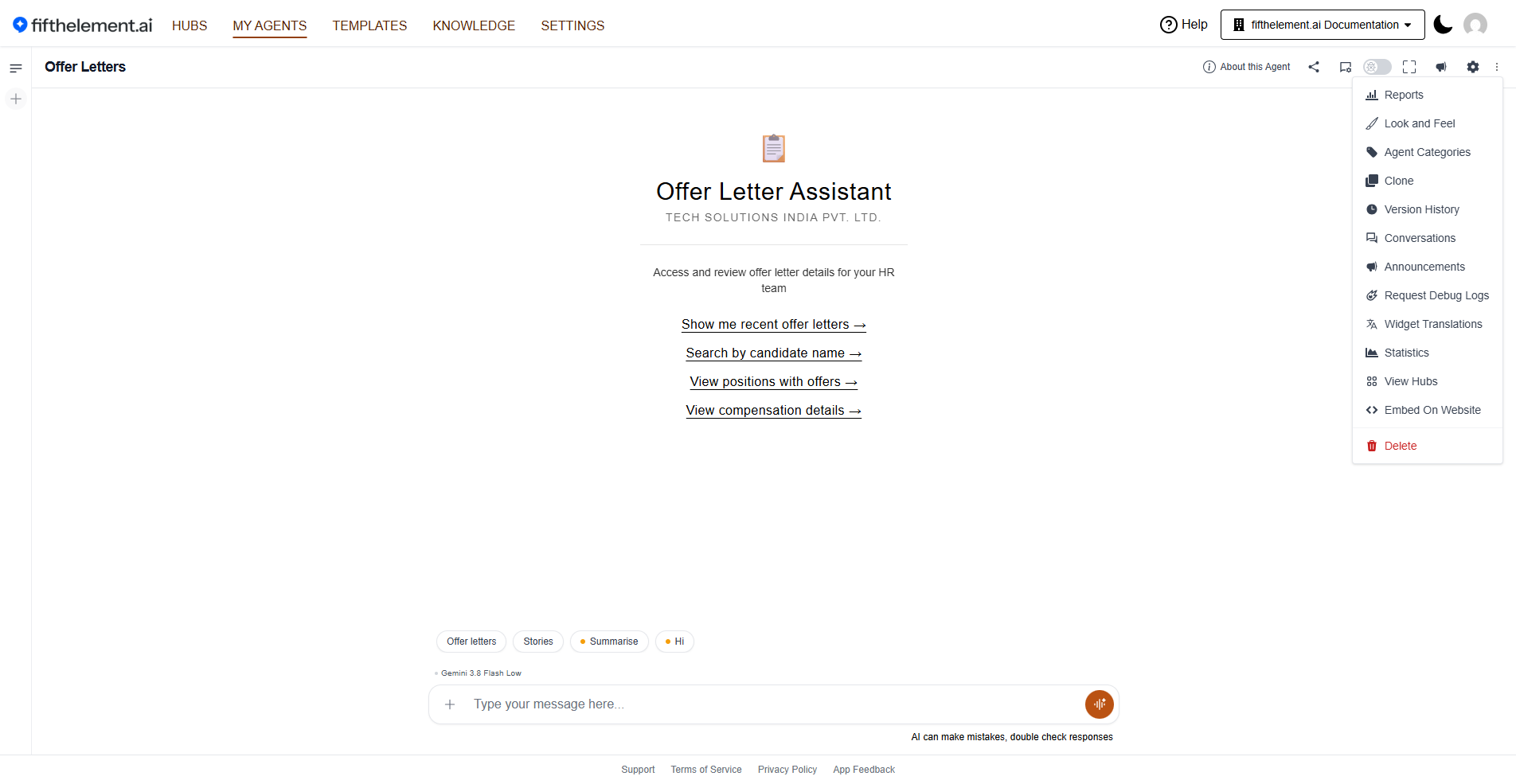
The agent's More options menu. Announcements sits between Conversations and Request Debug Logs.
Permission
Announcements is permission-controlled and granted to the Admin role by default. Other roles can be given it in the role editor under Agent. See RBAC & Roles.
Writing an Announcement
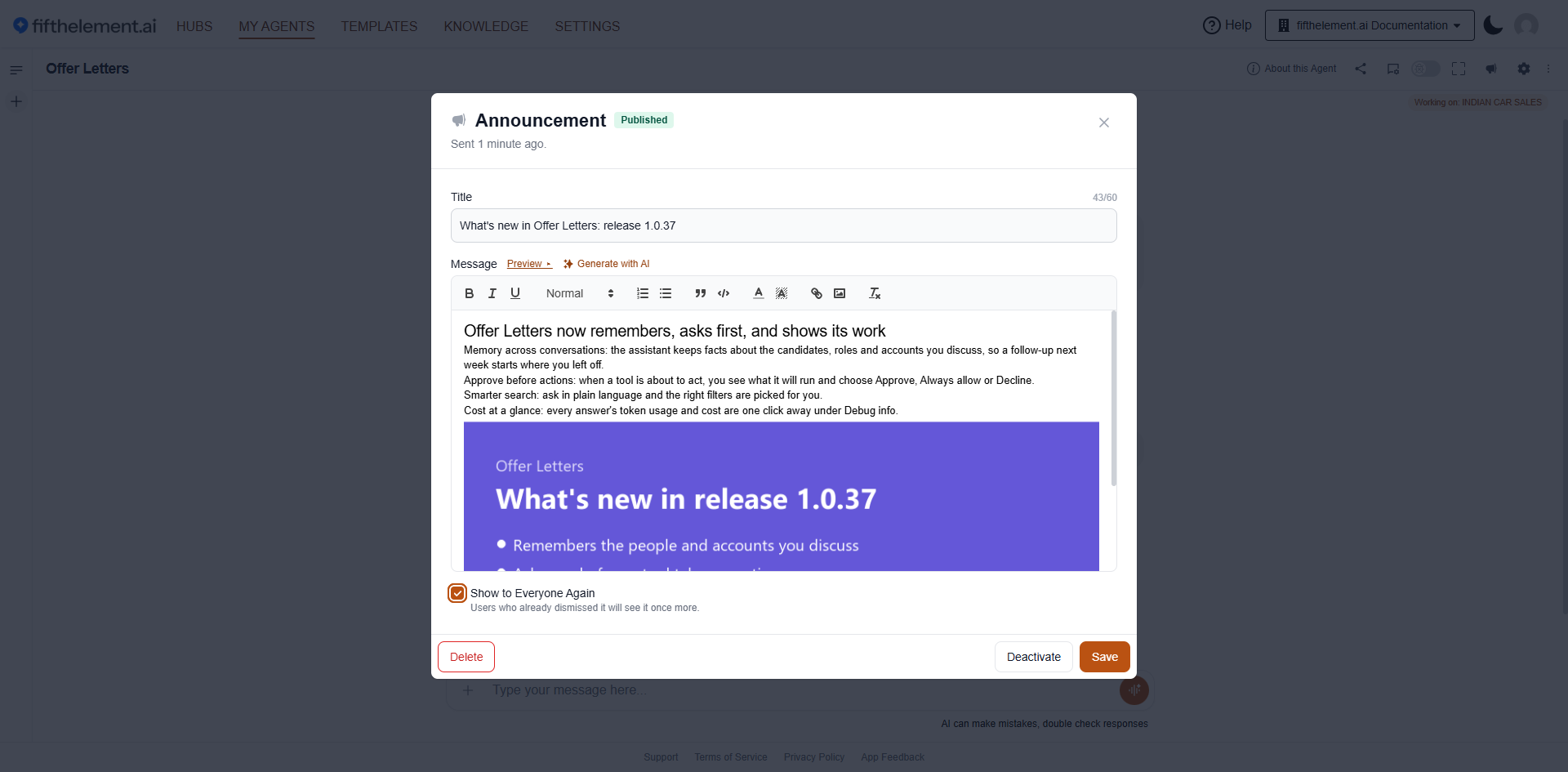
The editor with Title, the rich-text Message, Generate with AI and Show to Everyone Again.
- Open My Agents, then the agent's More options (⋮) > Announcements
- Enter a Title and a Message. The message supports rich text, links and images. A title and a message are both required; an image-only message counts as content
- Optionally click Generate with AI. It drafts the message from the agent's name, description and instructions plus your brief. Apply the draft, refine it or revert
- Choose how to save:
| Action | Result |
|---|---|
| Save Draft | Keeps the announcement private |
| Save & Activate | Broadcasts it. What you see on screen is exactly what users receive |
On a published announcement the footer becomes Delete, Deactivate and Save. Tick Show to Everyone Again to re-show it to users who already dismissed it.
Past announcements are kept, so a new one can be published while an earlier one exists.
What Users See
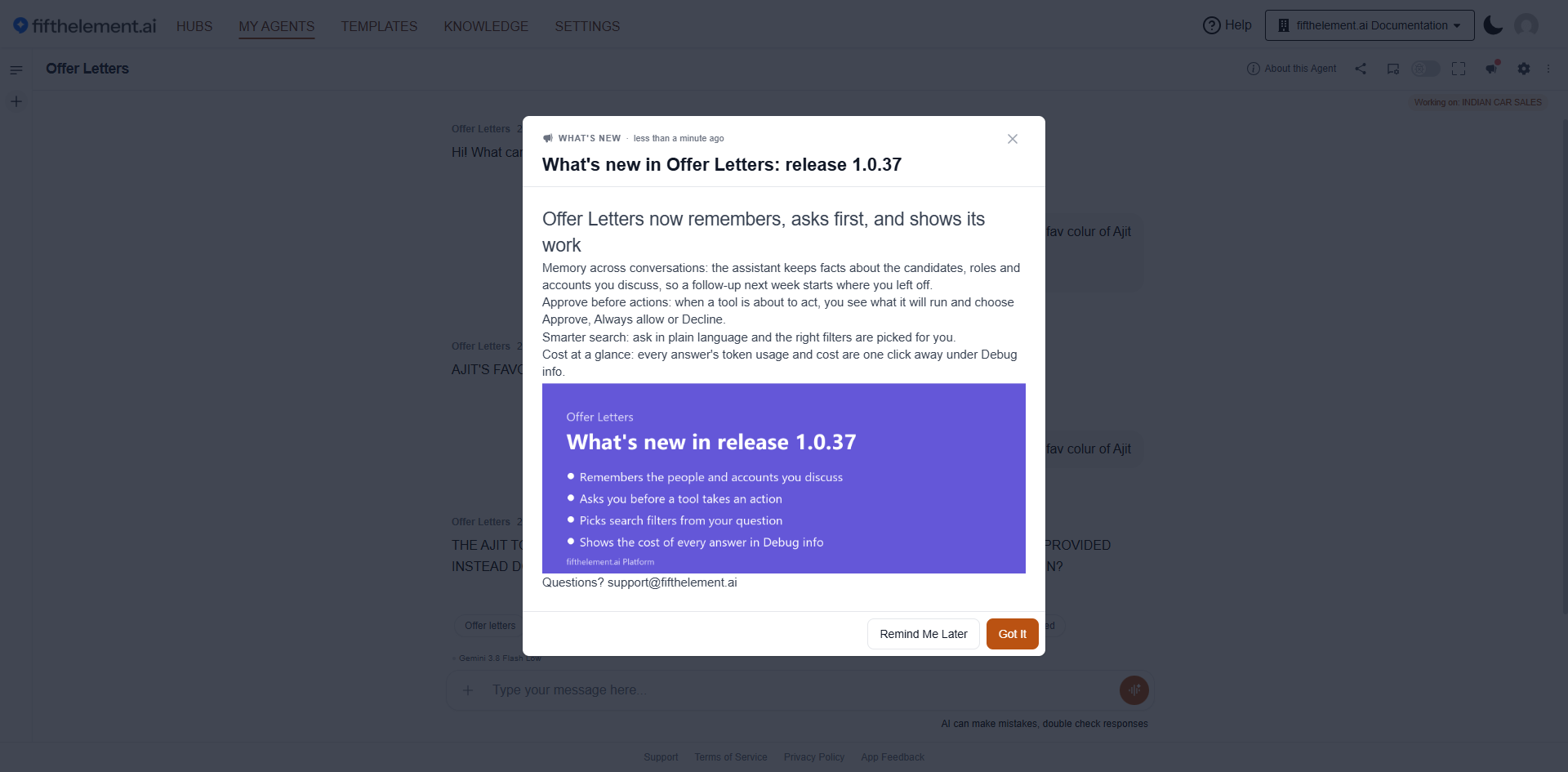
The What's New popup as a user sees it the first time, with Remind Me Later and Got It.
- The announcement appears once as a What's New popup when the user opens the agent
- The megaphone icon in the agent header reopens it at any time
- Links in the message open in a new tab
- Users on the web app, Sidebar or Hubs see announcements in authenticated mode only
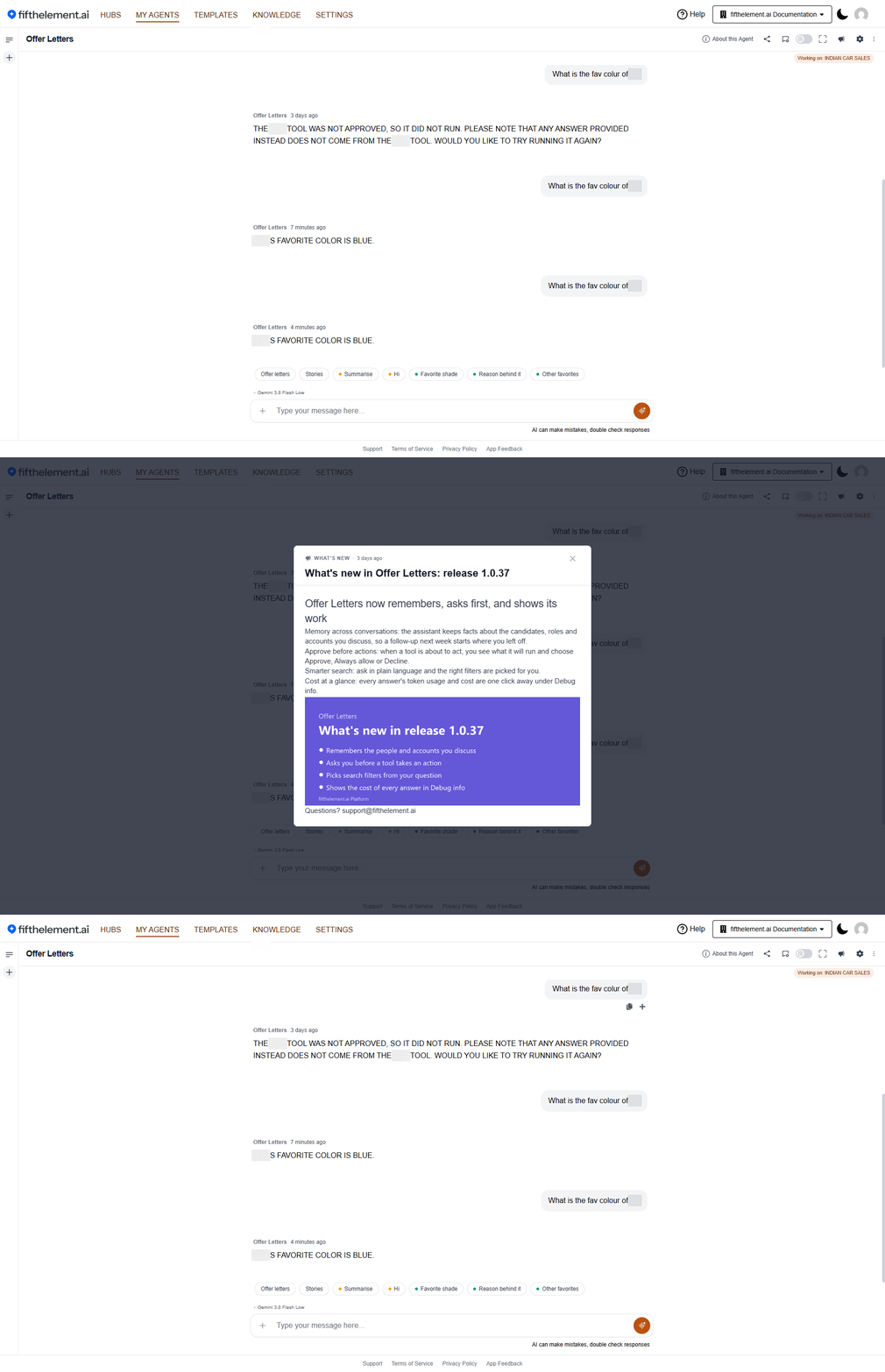
Reopening a published announcement from the megaphone icon in the agent header and closing it again. Chat content is blurred.
Related Topics
- My Agents - Overview
- Agent Builder - Advanced Configuration - The Documentation section and welcome screen
- RBAC & Roles - The Announcements permission