Getting Started with fifthelement.ai
Welcome to fifthelement.ai documentation! Configure AI agents, connect knowledge, and manage web, voice and API access.
🚀 Quick Start
-
1. Access Platform
Sign in with Google or Microsoft SSO at https://PLATFORM-URL-PLACEHOLDER
-
2. Build Your Agent
Create custom AI agents with our low-code builder in minutes.
-
3. Add Knowledge
Connect documents to ground responses in your knowledge.
-
4. Deploy Everywhere
Configure the Web App, Sidebar, Floating Widget, voice or API access for your use case.
🌐 Accessing the Platform
Step 1: Navigate to Platform
Open your browser and go to: https://PLATFORM-URL-PLACEHOLDER
Step 2: Sign In with SSO
Choose your authentication method: - Sign in with Google (Google Workspace or Gmail) - Sign in with Microsoft (Microsoft 365 or Azure AD)
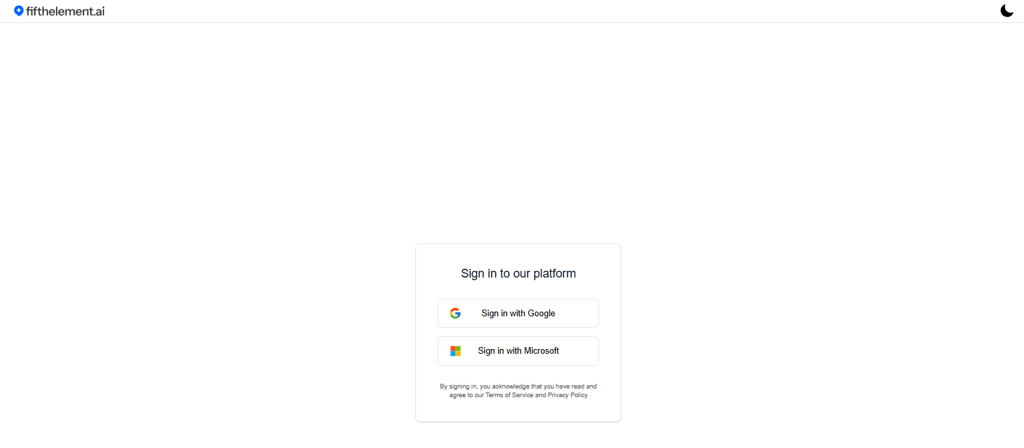
Step 3: Access Your Workspace
After authentication, the initial page follows your account’s default homepage. Open My Agents to find the agents available to you. The page includes: - Agent cards with Open Agent and a three-dot actions menu - Workspace selector in the top right corner to switch workspaces - Navigation menu: Hubs, My Agents, Knowledge, Settings
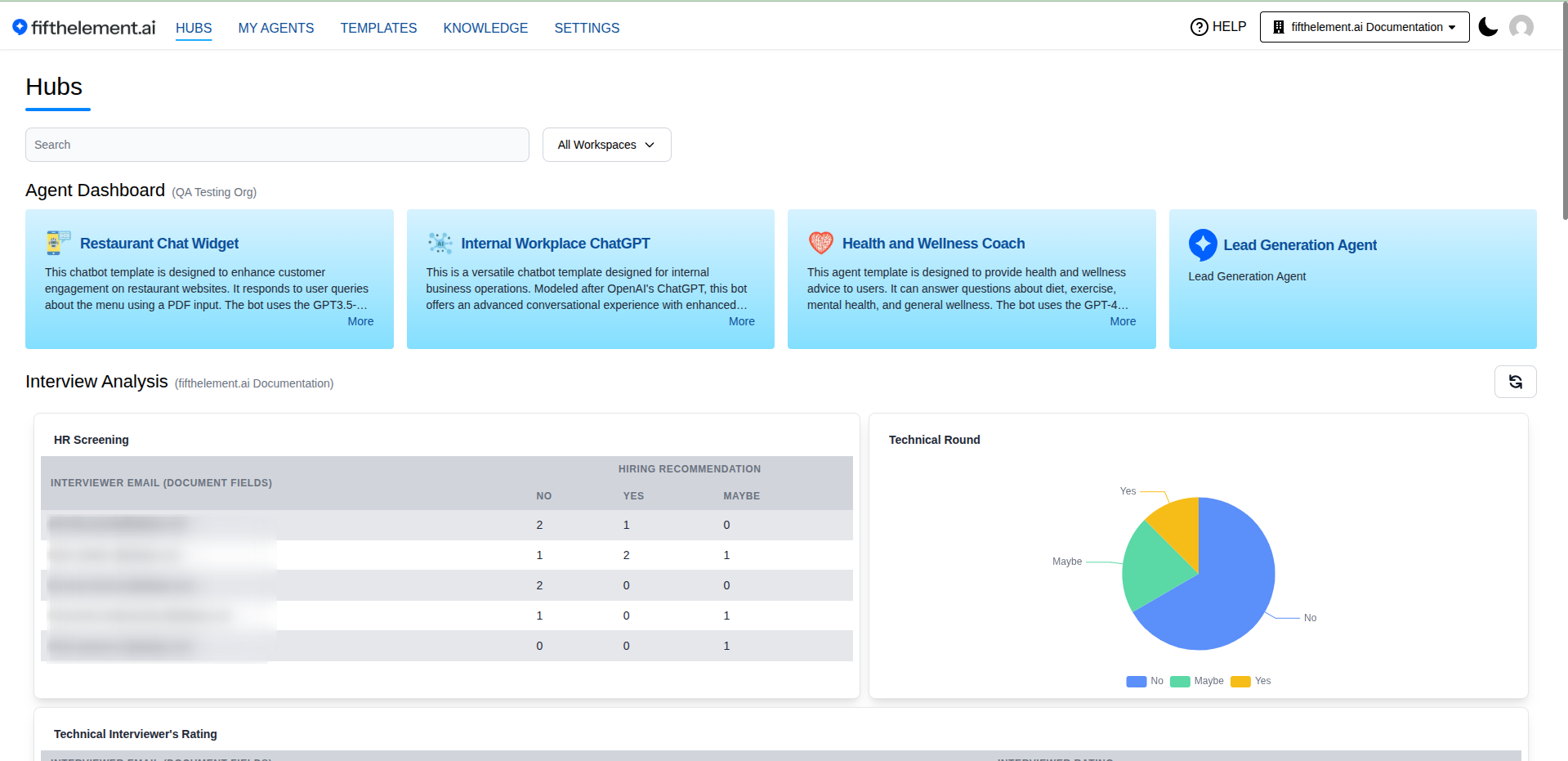
🗂️ Platform Sections
-
Hubs
Centralized workspaces for teams to organize agents and knowledge bases.
-
My Agents
Build and manage AI agents with our low-code builder.
-
Knowledge
Connect documents and data sources for retrieval-augmented responses.
-
Settings
Configure AI models, tools, processors, security, and templates.
📚 Resources
-
API Documentation
Complete API reference with authentication and endpoints.
-
Tutorials
Step-by-step guides for common workflows and use cases.
-
Troubleshooting
Common issues and solutions.
-
Support
Contact us: support@fifthelement.ai
✨ Key Features
- Knowledge retrieval — Connect Knowledge Bases and configure retrieval tools.
- Model configuration — Select workspace models in the agent’s Brain module.
- Delivery options — Configure web channels, voice and API integrations.
- Access controls — Manage workspace roles, members and document keys.
- Human handover — Configure the Human Agent tool and operator workflow.
Ready to build? Sign in at https://PLATFORM-URL-PLACEHOLDER and create your first agent!
Related Topics
- My Agents — Create and manage AI agents
- Knowledge — RAG and document management
- Settings — Configure AI models, tools, and security
- API Documentation — REST API reference
- Troubleshooting — Common issues and solutions